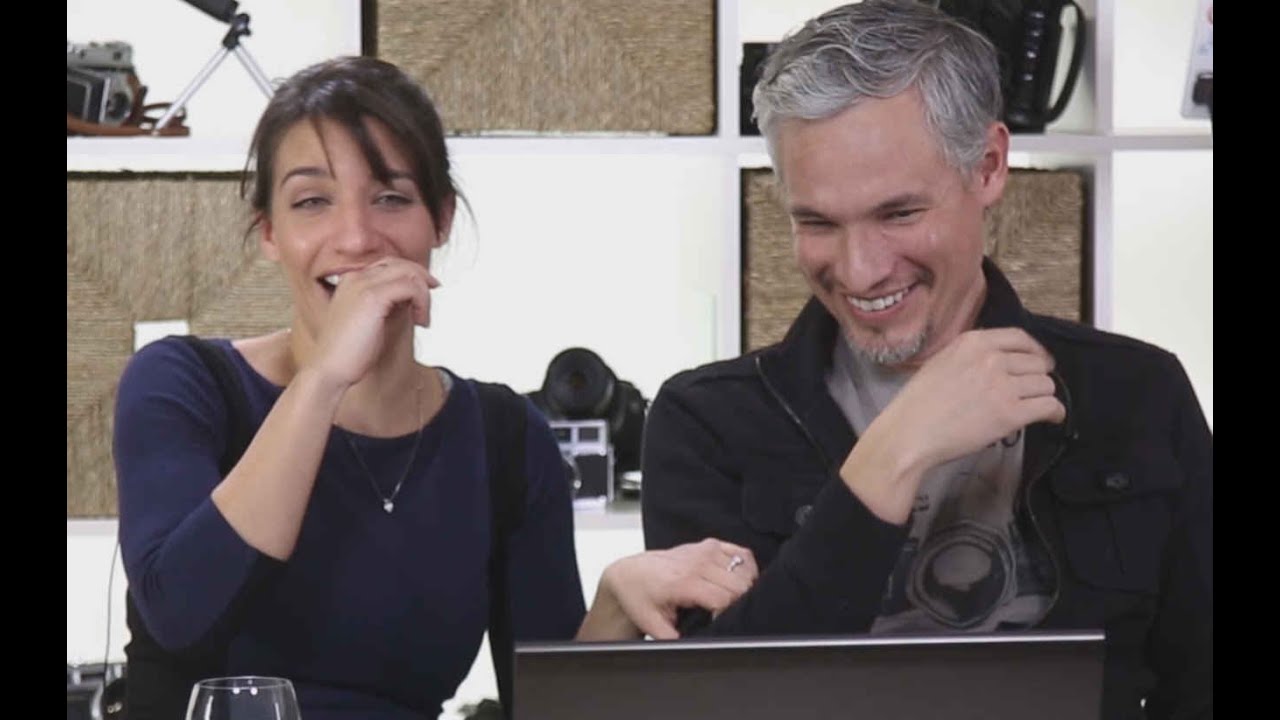
Every quarter I pull up five or six competitor websites in my market and time how long I stay on each one. Not because I’m nosy, but because I want to know what my potential clients are experiencing when they do the same thing to me. Most of the time I’m gone in under twenty seconds, and it’s almost never because the photography is bad. It’s because something about the site creates friction, confusion, or just a vague sense of unprofessionalism that I can’t quite name but can absolutely feel. That feeling is costing photographers real bookings.
Watch the full tutorial on YouTube
In this Tony and Chelsea Northrup tutorial, they sit down and review five real photographer portfolios submitted by their audience, calling out specific design and usability problems in real time. It’s the kind of honest critique most of us never get, because our friends are too polite and our clients just quietly leave. I’ve watched a lot of portfolio advice videos, and what sets this one apart is that Tony and Chelsea aren’t critiquing the photography. They’re critiquing the experience. That’s a distinction that took me years to understand, and it changed how I think about my studio’s website completely.
Here’s what they cover, broken into actionable steps you can apply to your own site today.
Step 1: Kill the Autoplay Music Immediately
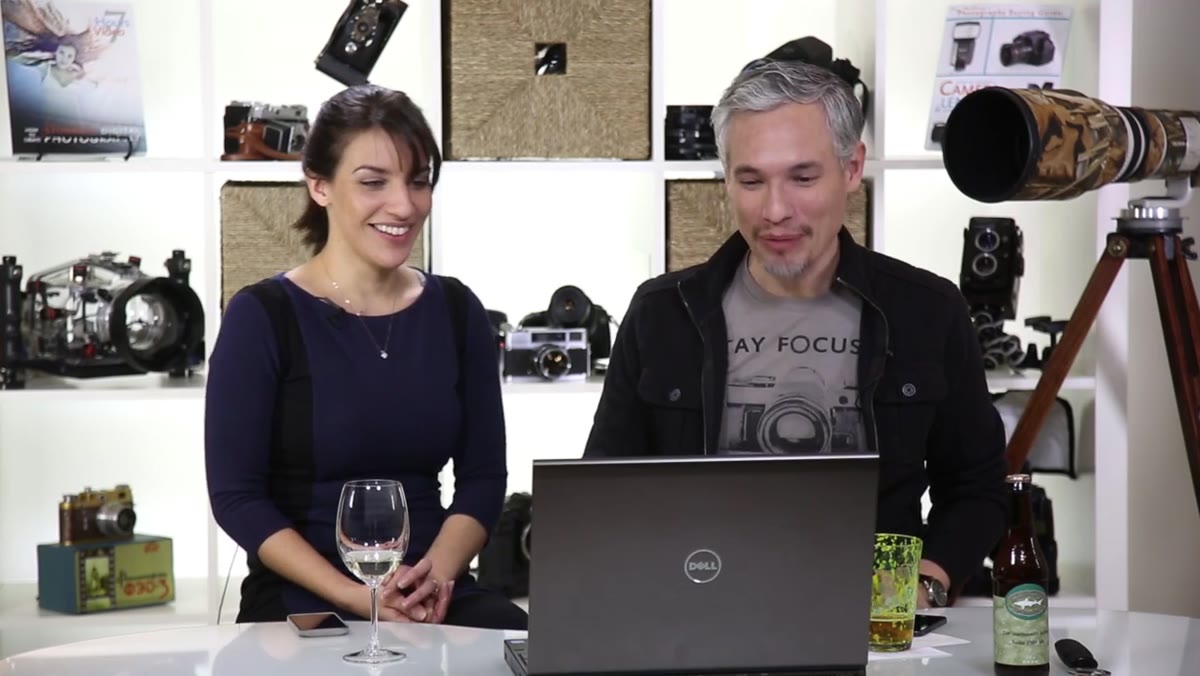 Tony reacting to loud music blasting from a photographer’s website
Before you do anything else with your portfolio, open it on your phone with the volume up. If music starts playing, remove it today. Tony and Chelsea’s first reaction to one of the reviewed portfolios was visceral annoyance when music blasted out of their speakers. They made a point that stuck with me: imagine a potential client browsing your site from their desk at work, surrounded by coworkers. Sudden, loud audio is embarrassing for them and it creates an immediate negative emotional association with your brand.
Tony reacting to loud music blasting from a photographer’s website
Before you do anything else with your portfolio, open it on your phone with the volume up. If music starts playing, remove it today. Tony and Chelsea’s first reaction to one of the reviewed portfolios was visceral annoyance when music blasted out of their speakers. They made a point that stuck with me: imagine a potential client browsing your site from their desk at work, surrounded by coworkers. Sudden, loud audio is embarrassing for them and it creates an immediate negative emotional association with your brand.
Autoplay music feels personal to the photographer and intrusive to everyone else. Your website’s one job is to lower the barrier between a stranger and a booking. Anything that raises that barrier, even something you love, has to go.
Step 2: Make Your Contact Information Visible Without Clicking
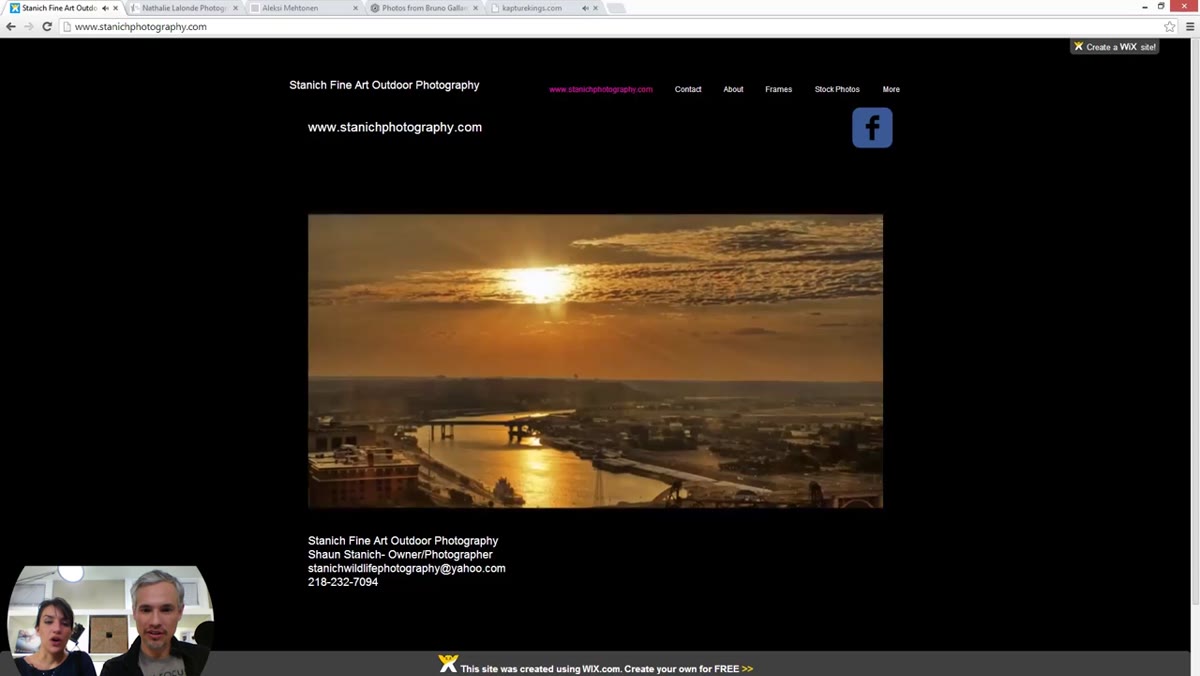 Tony noting that contact info is visible directly on the homepage
One of the portfolios drew genuine praise from both Tony and Chelsea for a simple reason: the photographer’s name, email address, and phone number were right there on the first screen, no clicking required. Chelsea called it out specifically as a best practice, and she’s right. Most photographers bury their contact details behind a “Contact” menu item, which adds one more step between interest and inquiry.
Tony noting that contact info is visible directly on the homepage
One of the portfolios drew genuine praise from both Tony and Chelsea for a simple reason: the photographer’s name, email address, and phone number were right there on the first screen, no clicking required. Chelsea called it out specifically as a best practice, and she’s right. Most photographers bury their contact details behind a “Contact” menu item, which adds one more step between interest and inquiry.
Think about your highest-intent visitors. Someone who already wants to hire you should be able to reach you in under three seconds. Put your phone number and email in the header or in the top section of your homepage. On my own site I tested this move two years ago and saw a measurable increase in direct phone calls within the first month.
Step 3: Never Use an Embedded Video as Your Primary Gallery
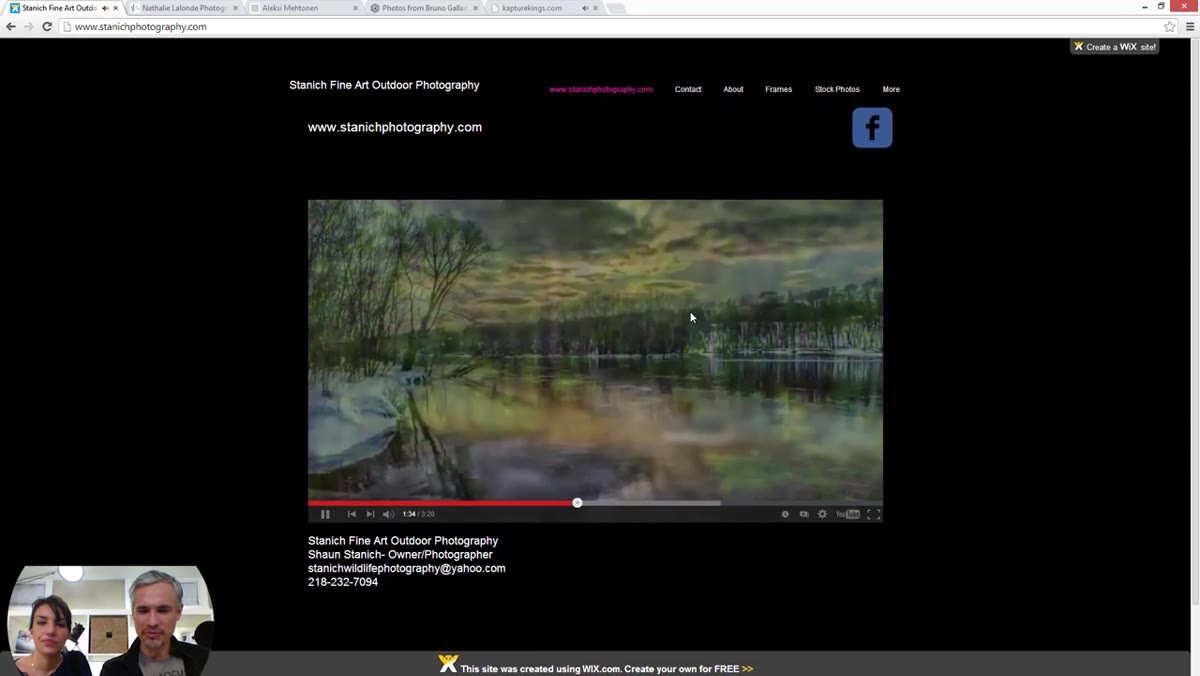 Chelsea pointing out the slideshow is an embedded YouTube video with no user controls
One photographer had embedded a YouTube slideshow as their main portfolio display. The problem is layered: viewers can’t click forward to the next image, can’t linger on a shot that catches their eye, can’t skip back to something they wanted to see again. The pace is locked. Tony described it as unintuitive, which is the polite version of what a frustrated client would feel.
Chelsea pointing out the slideshow is an embedded YouTube video with no user controls
One photographer had embedded a YouTube slideshow as their main portfolio display. The problem is layered: viewers can’t click forward to the next image, can’t linger on a shot that catches their eye, can’t skip back to something they wanted to see again. The pace is locked. Tony described it as unintuitive, which is the polite version of what a frustrated client would feel.
Your gallery needs to be a proper image gallery, not a video player. Platforms like Squarespace, Pixieset, or Format all offer native gallery layouts where the visitor controls the experience. When someone is considering spending several hundred or several thousand dollars on photography, they want to study your work at their own pace. A slideshow that controls them instead of the other way around signals that you haven’t thought through the client experience.
Step 4: Size Your Images to Fill the Screen
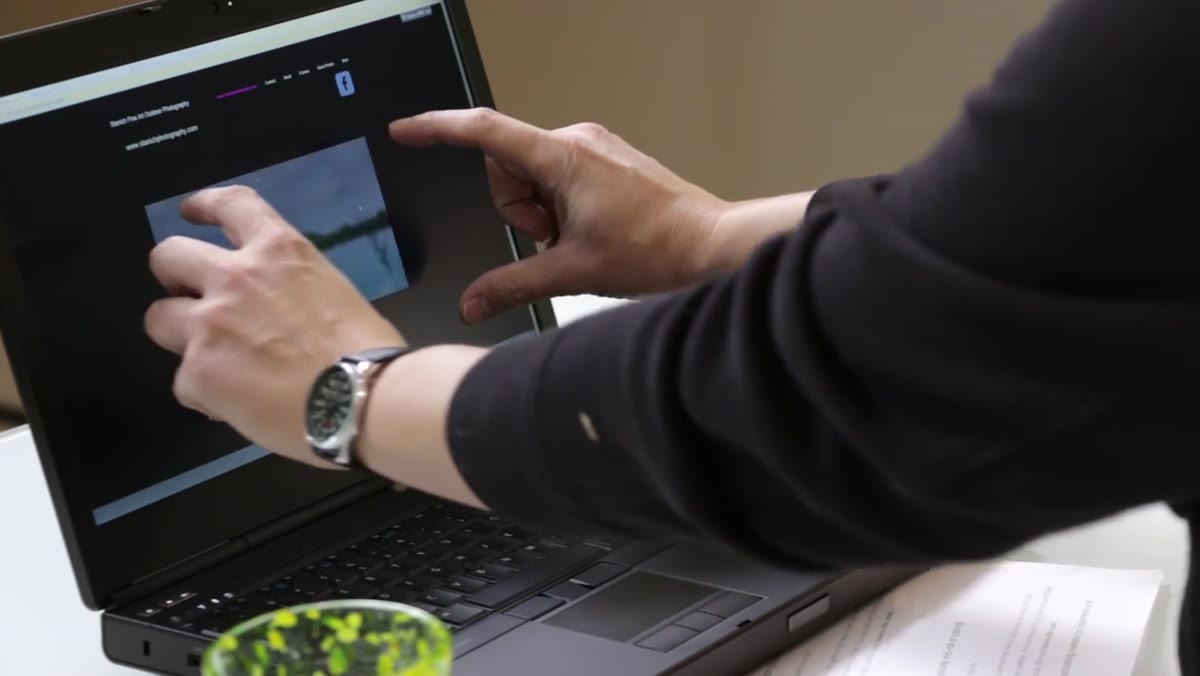 Tony and Chelsea reacting to vertical images appearing as tiny thumbnails in the gallery
Related to the video gallery problem: the embedded slideshow also displayed vertical images as tiny thumbnails inside a small window on the page. Tony pointed out that the images were so small you couldn’t evaluate the detail, which is exactly what a potential client needs to do. He called it “the baby of a picture,” which is funny but also accurate.
Tony and Chelsea reacting to vertical images appearing as tiny thumbnails in the gallery
Related to the video gallery problem: the embedded slideshow also displayed vertical images as tiny thumbnails inside a small window on the page. Tony pointed out that the images were so small you couldn’t evaluate the detail, which is exactly what a potential client needs to do. He called it “the baby of a picture,” which is funny but also accurate.
When you’re setting up your gallery layout, test it with your tallest vertical images first. Those are the hardest to display well, and if they look good, everything else will too. Your images should fill the majority of the viewport. A potential client should feel like they’re looking at your work, not a preview of your work.
Step 5: Include a Photo of Yourself
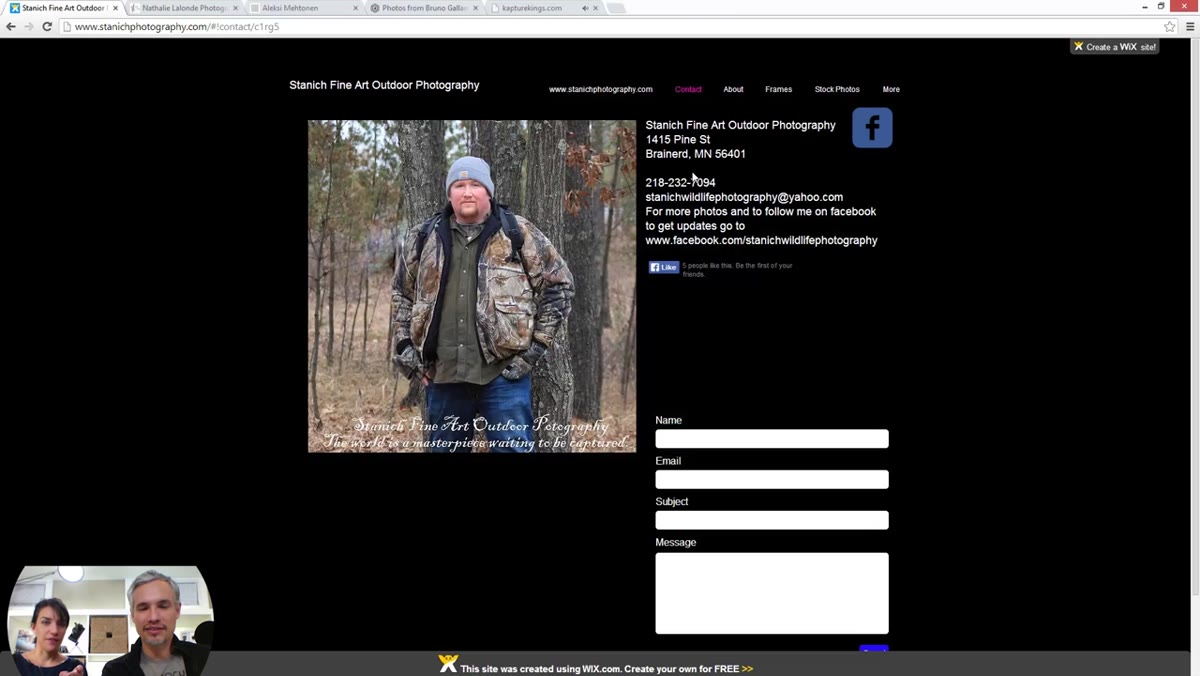 Tony and Chelsea reacting positively to a photographer’s personal photo on their about page
Both Tony and Chelsea responded warmly to the portfolio that included a photo of the photographer. It sounds obvious, but a surprising number of photography websites have no human presence on them at all. Photography is a relationship business. Clients are inviting you into their wedding, their newborn session, their family’s most important moments. They want to see your face before they call you.
Tony and Chelsea reacting positively to a photographer’s personal photo on their about page
Both Tony and Chelsea responded warmly to the portfolio that included a photo of the photographer. It sounds obvious, but a surprising number of photography websites have no human presence on them at all. Photography is a relationship business. Clients are inviting you into their wedding, their newborn session, their family’s most important moments. They want to see your face before they call you.
Your about page photo doesn’t need to be fancy. A clean, natural image where you look like yourself does the job. What matters is that it humanizes you and gives a visitor something to connect with beyond your technical work.
Step 6: Make Every Element on Your Site Functional and Purposeful
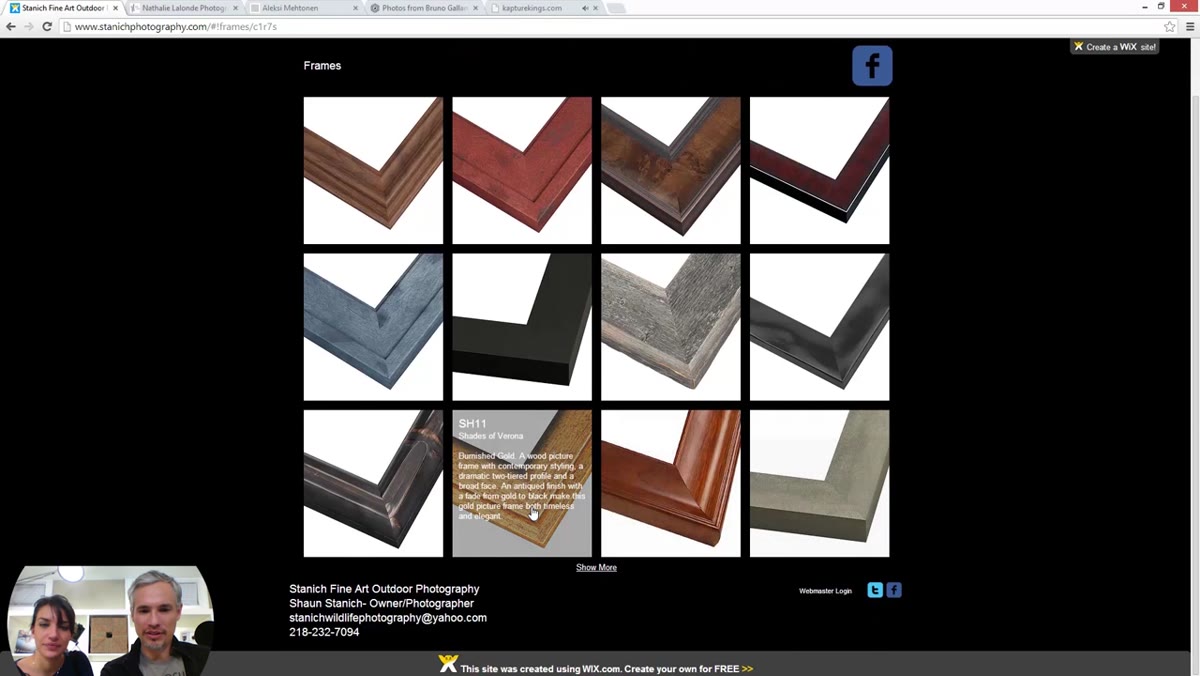 Tony and Chelsea confused by framed images on the site with no explanation or clickable action
One portfolio featured images of what appeared to be framed prints displayed in a section of the site, but there was no explanation and no way to interact with them. Tony and Chelsea spent time just trying to figure out what the section was for. Was it stock photography? Were the frames for sale? Nobody knew, including the visitors.
Tony and Chelsea confused by framed images on the site with no explanation or clickable action
One portfolio featured images of what appeared to be framed prints displayed in a section of the site, but there was no explanation and no way to interact with them. Tony and Chelsea spent time just trying to figure out what the section was for. Was it stock photography? Were the frames for sale? Nobody knew, including the visitors.
Every element on your website should answer two questions: what is this, and what do I do with it? If a visitor has to guess, you’ve already lost them. Before publishing any new section or feature on your site, ask someone who has never seen your work to navigate it and explain back to you what they think it is. If their answer doesn’t match your intention, redesign it.
What I’d Add From My Own Experience
The critique in this video is almost entirely visual and structural, which is exactly the right place to start. But I’d add one more layer that Tony and Chelsea don’t get to here: your portfolio should be filtered by your most profitable work, not your most impressive work.
Those two things are not always the same. My accountant husband helped me see a few years ago that my fine art personal projects were getting the most compliments but generating almost no revenue, while my family portrait sessions were quiet workhorses that paid our mortgage. Once I reorganized my portfolio around the sessions I actually wanted to book more of, my inquiry quality improved significantly. The website brought in people who wanted what I was genuinely selling.
The single most important takeaway from this critique is that your portfolio website is not a gallery. It is a sales tool designed to move a stranger from curiosity to contact. Every design decision, from music to image size to navigation, either supports that goal or undermines it. Audit your site against the steps above before you spend another dollar on marketing.
Watch the full tutorial on YouTube to see Tony and Chelsea work through all five portfolios in real time. Watching someone else’s site get critiqued honestly is one of the fastest ways to see your own with fresh eyes.
Comments (2)
Printing this out and pinning it next to my monitor. That good.
This is fantastic. I've been recommending this approach to my readers too.
Leave a Comment